
Atlassian Statuspage alternatives
A practical list of status page tools you can use instead of Atlassian Statuspage. Pick based on your needs: hosted vs self-hosted, incident comms vs monitoring-first, and how much you enjoy running infrastructure.
Quick recommendation
If you want a clean status page with monitoring and incident updates without enterprise bloat, start with a hosted tool. If you must self-host for compliance, pick an open-source option and accept the ops tax.
How this list is ranked
- Incident communication quality
- Monitoring accuracy (multi-region, retries, noise control)
- Private pages + access control
- Notification options
- Total cost and operational overhead
How to pick a Statuspage alternative
“Statuspage alternative” can mean different things: a tool that only publishes incident updates, a monitoring-first platform that can generate incidents, or an ops suite that bundles on-call and alerting. Choose based on what you actually need today.
- You want the simplest path: hosted monitoring + status pages in one platform.
- You already have monitoring: a comms-only status page may be enough.
- You must self-host: pick open-source, but budget time for patching and backups.
- You need on-call/incident ops: an “all-in-one” suite can make sense.
Hosted vs self-hosted
Hosted is the default because it keeps your status page up during your own outages. Self-hosted is great when you have a strong reason, but it comes with an ops tax.
- Hosted: managed uptime, fewer maintenance tasks, faster setup.
- Self-hosted: full control, but you own updates, security, backups, and uptime.
- Pro tip: “free” often becomes expensive once you count your time and risk.
What features matter in practice
- Monitoring accuracy: multi-region checks, retries, and noise control reduce false alarms.
- Maintenance windows: planned downtime shouldn’t page your team or scare customers.
- Notifications: email/RSS/webhooks help users self-serve instead of opening tickets.
- Private pages: share incident updates with internal teams or select customers.
- Incident workflow: fast publishing, clear timelines, and postmortems build trust.
- Total cost: price + time + operational risk, not just the monthly bill.
Hosted alternatives
Hosted tools are the sane default: fast setup, managed reliability, and fewer weekends lost to patching your own status page.
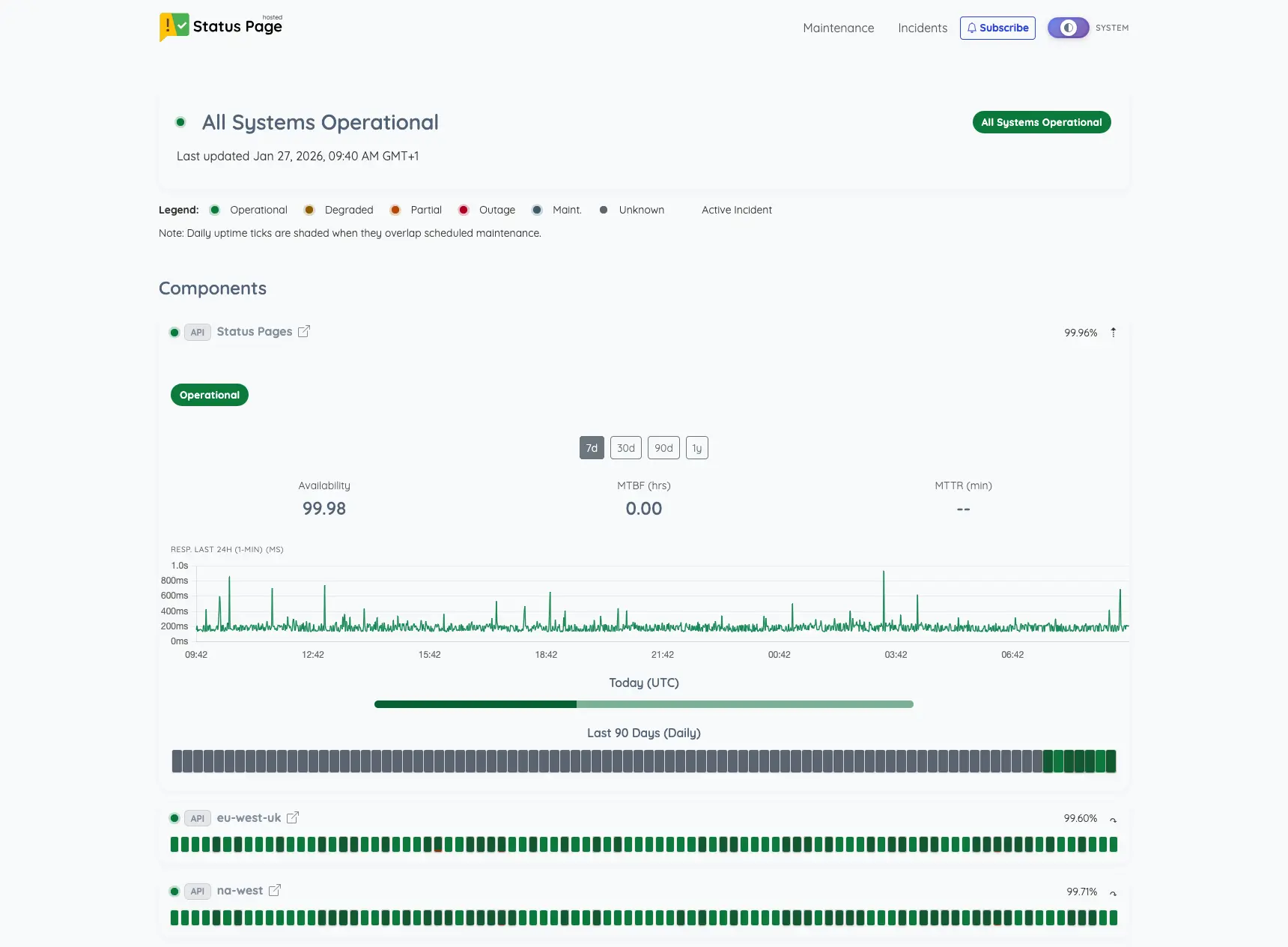
StatusPage.me
- Monitoring + status pages designed to work together (not bolted on)
- Multi-region checks and noise control focus
- Private pages + clean incident timelines
- If you want enterprise procurement vibes, Atlassian still wins on brand inertia
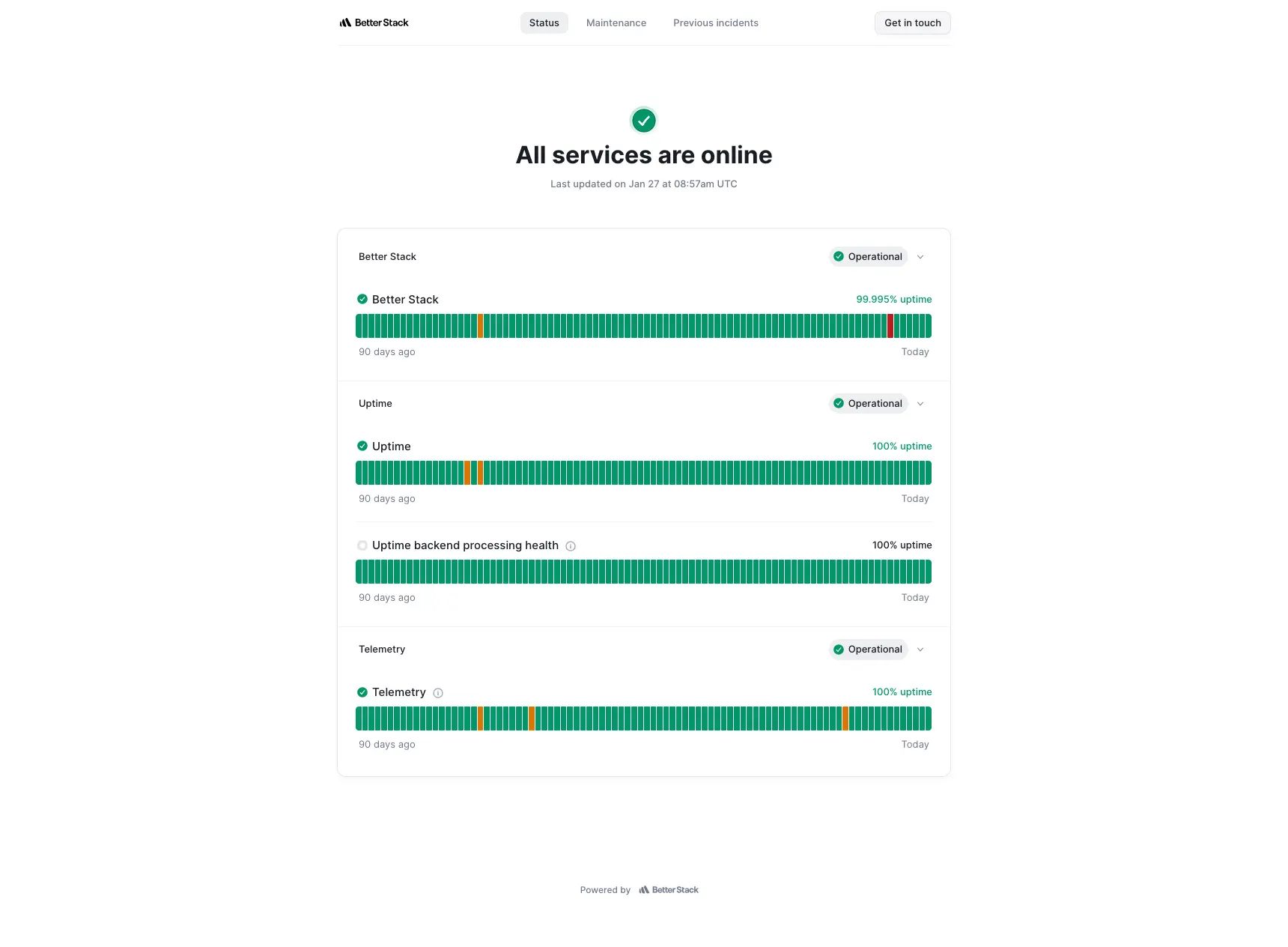
Better Stack
- “Suite” approach: more than just a status page
- Good fit if you already want their on-call + incident tooling
- One vendor for multiple operational surfaces
- More surface area, more configuration, and pricing can become add-on heavy
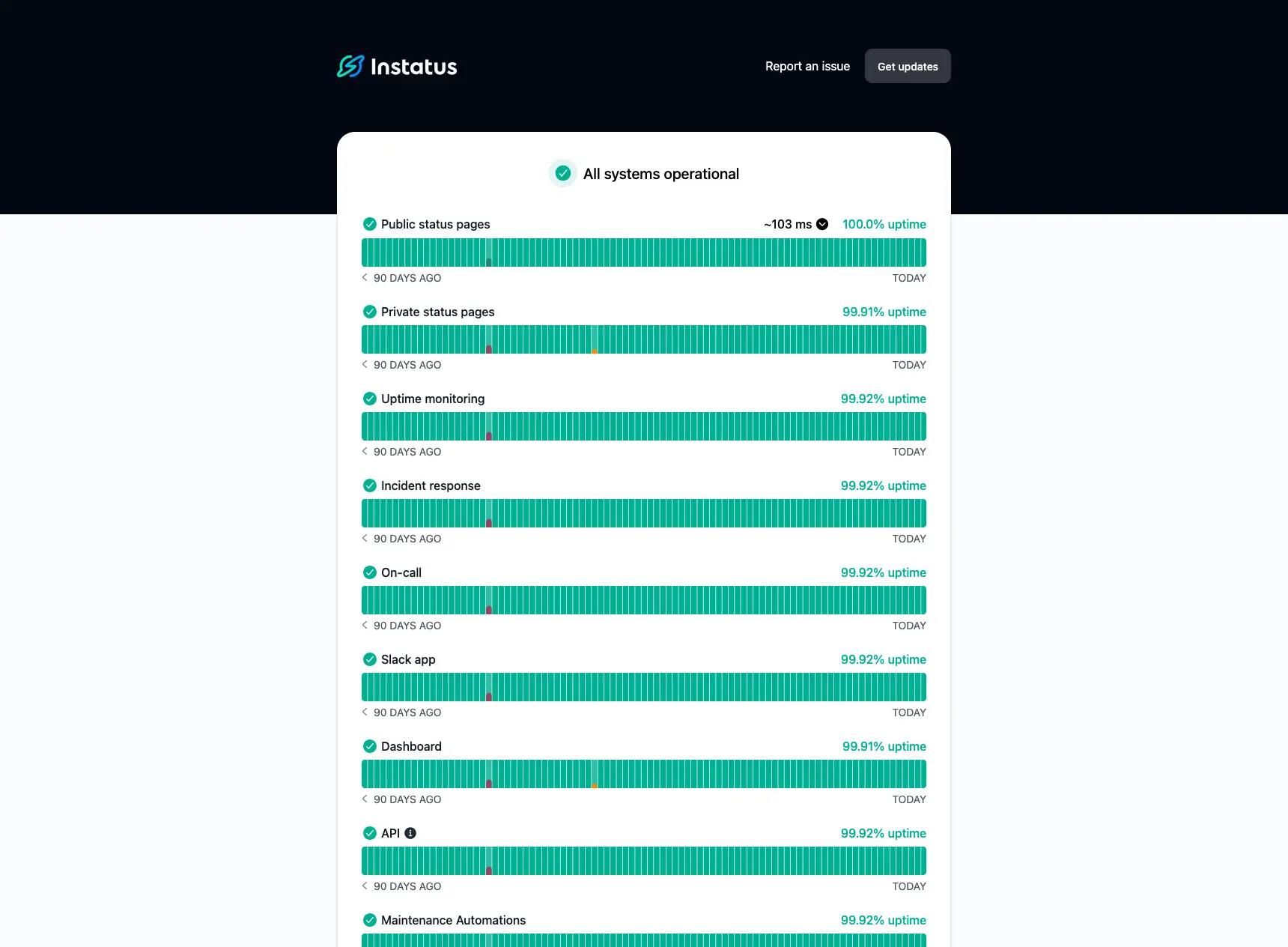
Instatus
- Great UI and fast setup
- Solid for straightforward incident updates
- Good if you want “simple, clean, done”
- If you need advanced monitoring logic, you may outgrow it
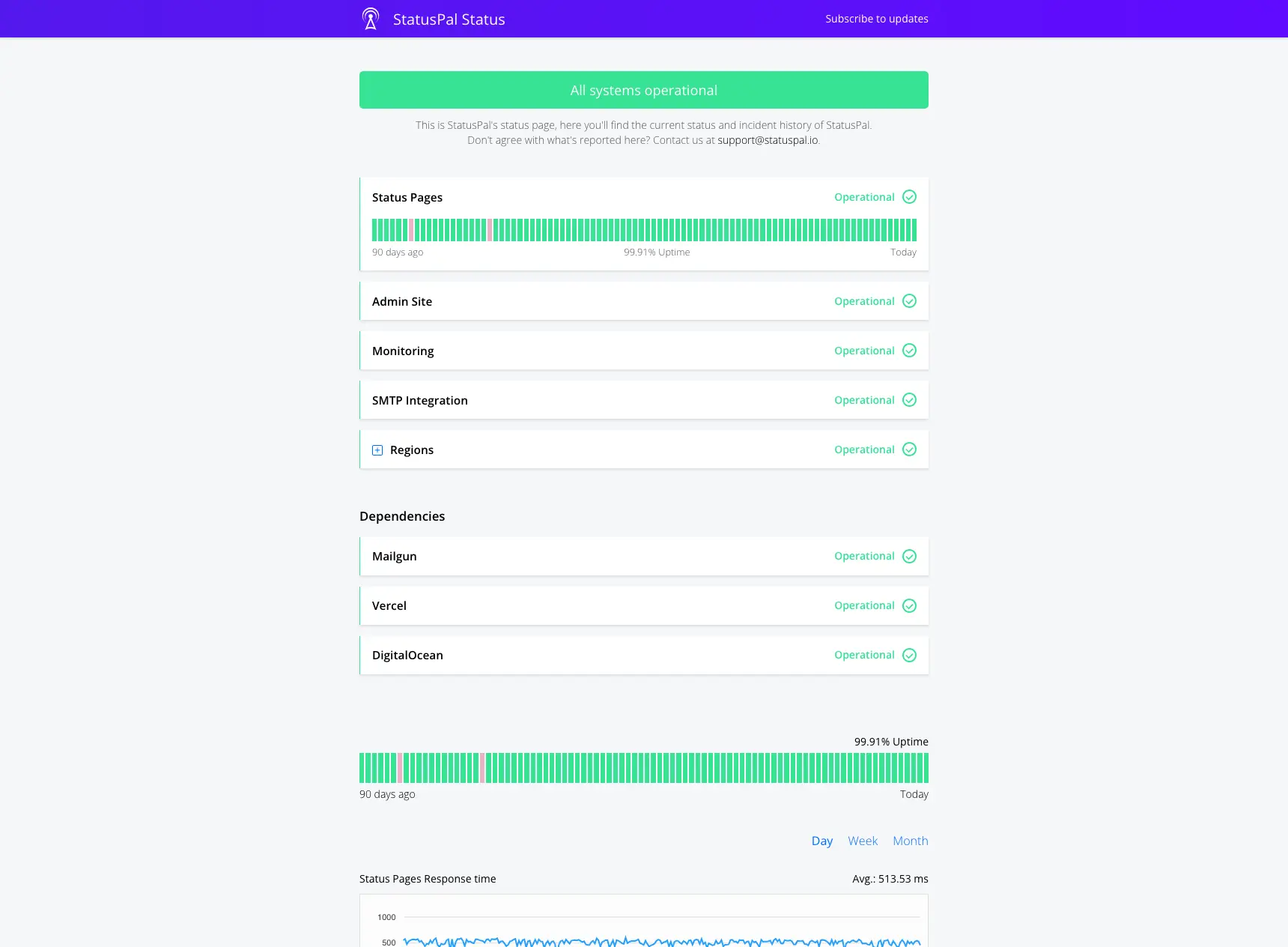
Statuspal
- Multi-language focus for customer comms
- Structured updates help keep incidents readable
- Good fit for internationally distributed users
- Like most SaaS, the best features tend to live in higher tiers
Open-source alternatives
Open source is great when you truly need self-hosting. Just remember: “free” often means you pay in maintenance, uptime, and security work.
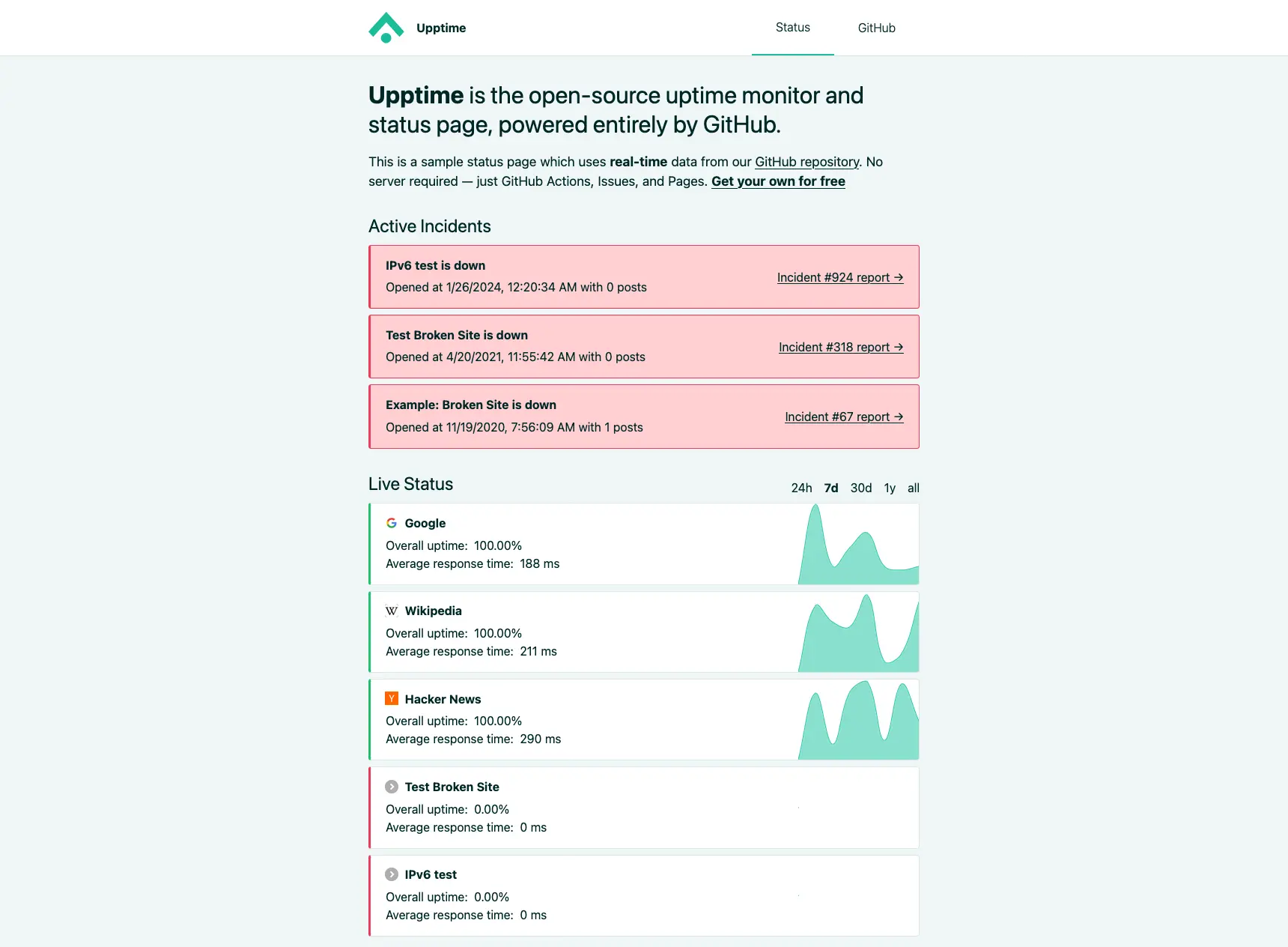
Upptime
- Free and runs on GitHub workflows
- Version-controlled configuration
- Good fit for developer-first teams
- Ties your status + monitoring to GitHub availability and limits
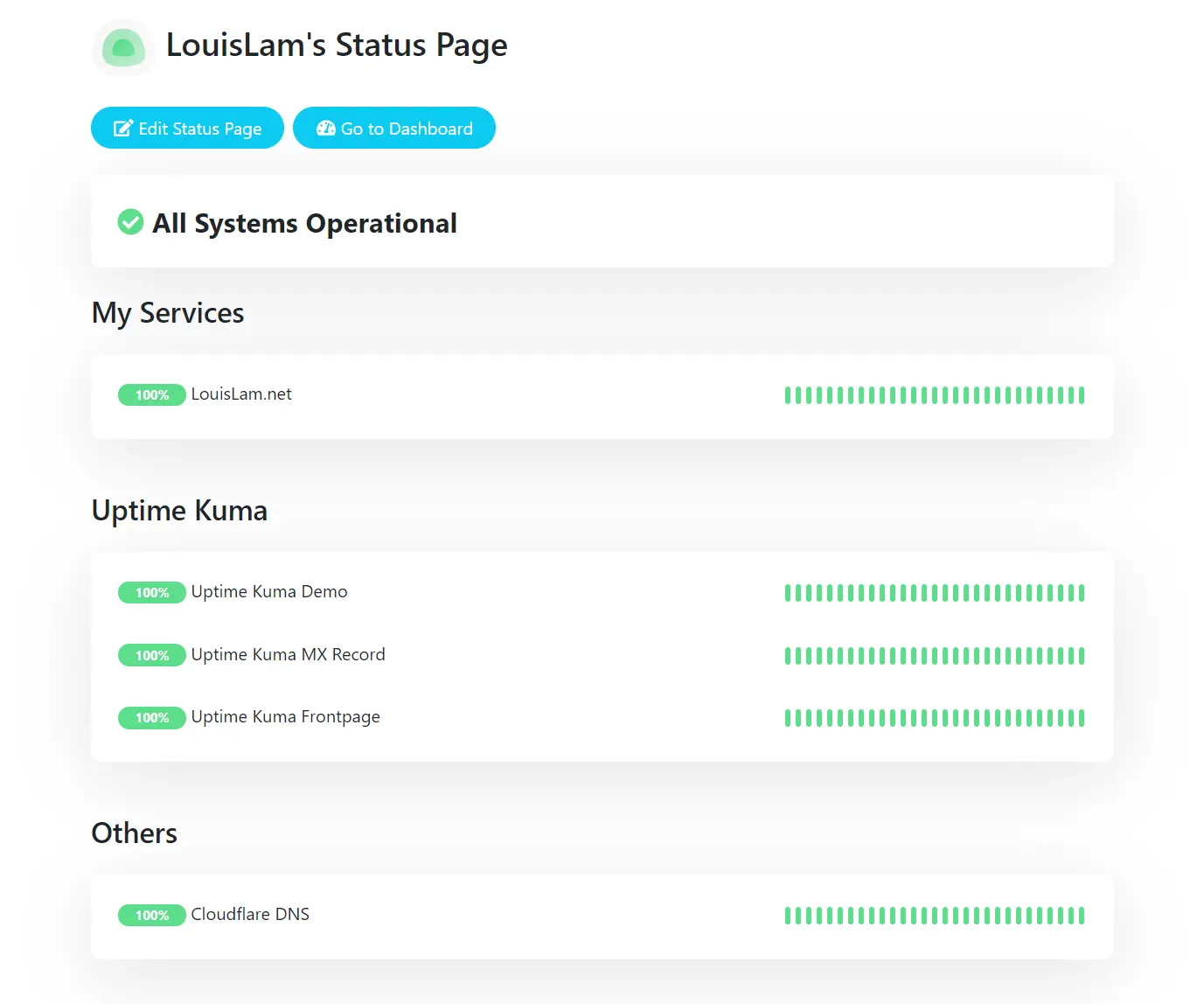
Uptime Kuma
- All-in-one self-hosted monitoring
- Simple UI and quick local setup
- Good for small teams and homelabs
- You own upgrades, backups, and security updates
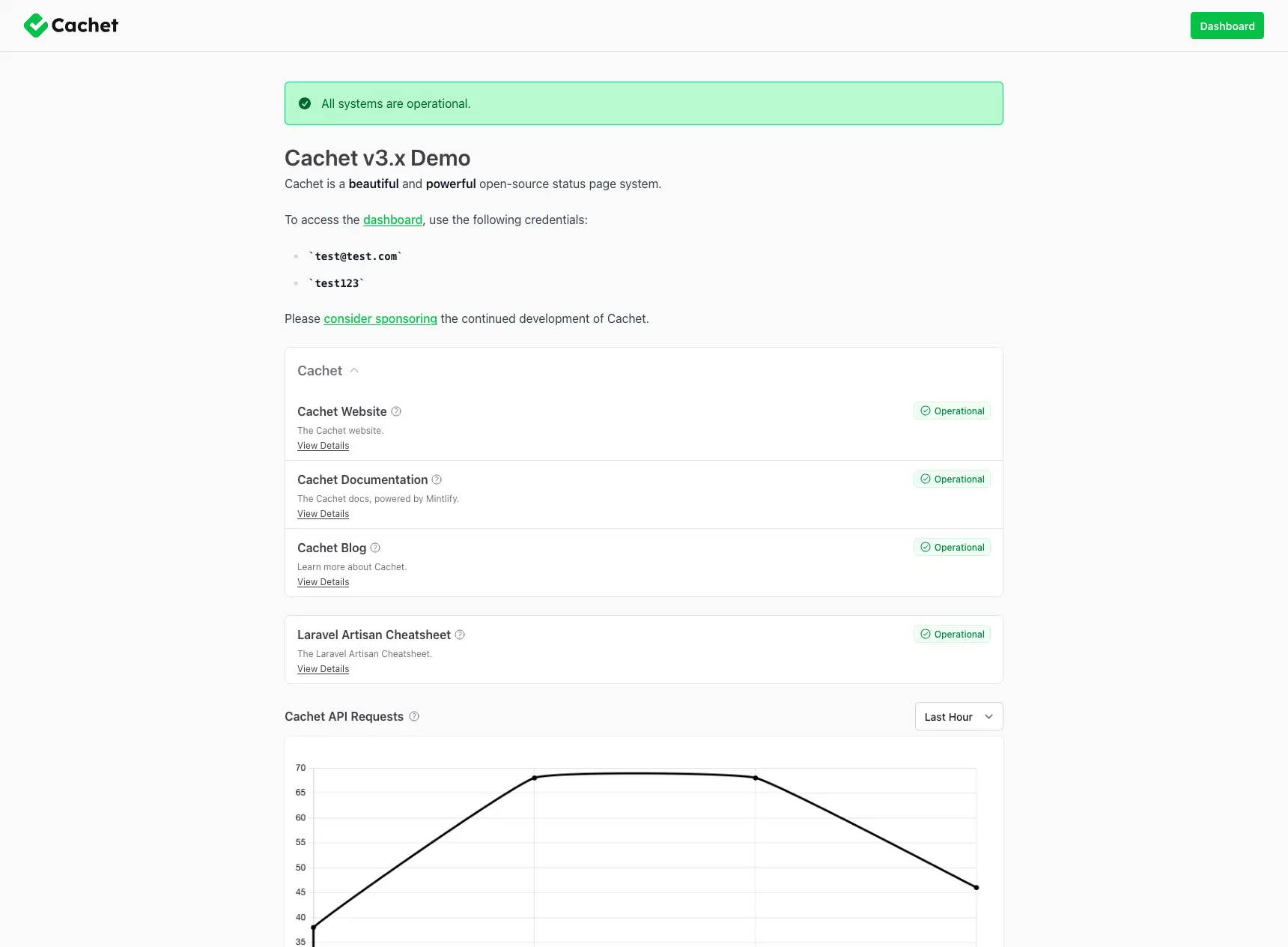
Cachet
- Traditional status page layout people recognize
- Works fine as a comms layer
- Fits teams with existing monitoring stacks
- Not a monitoring-first platform by default
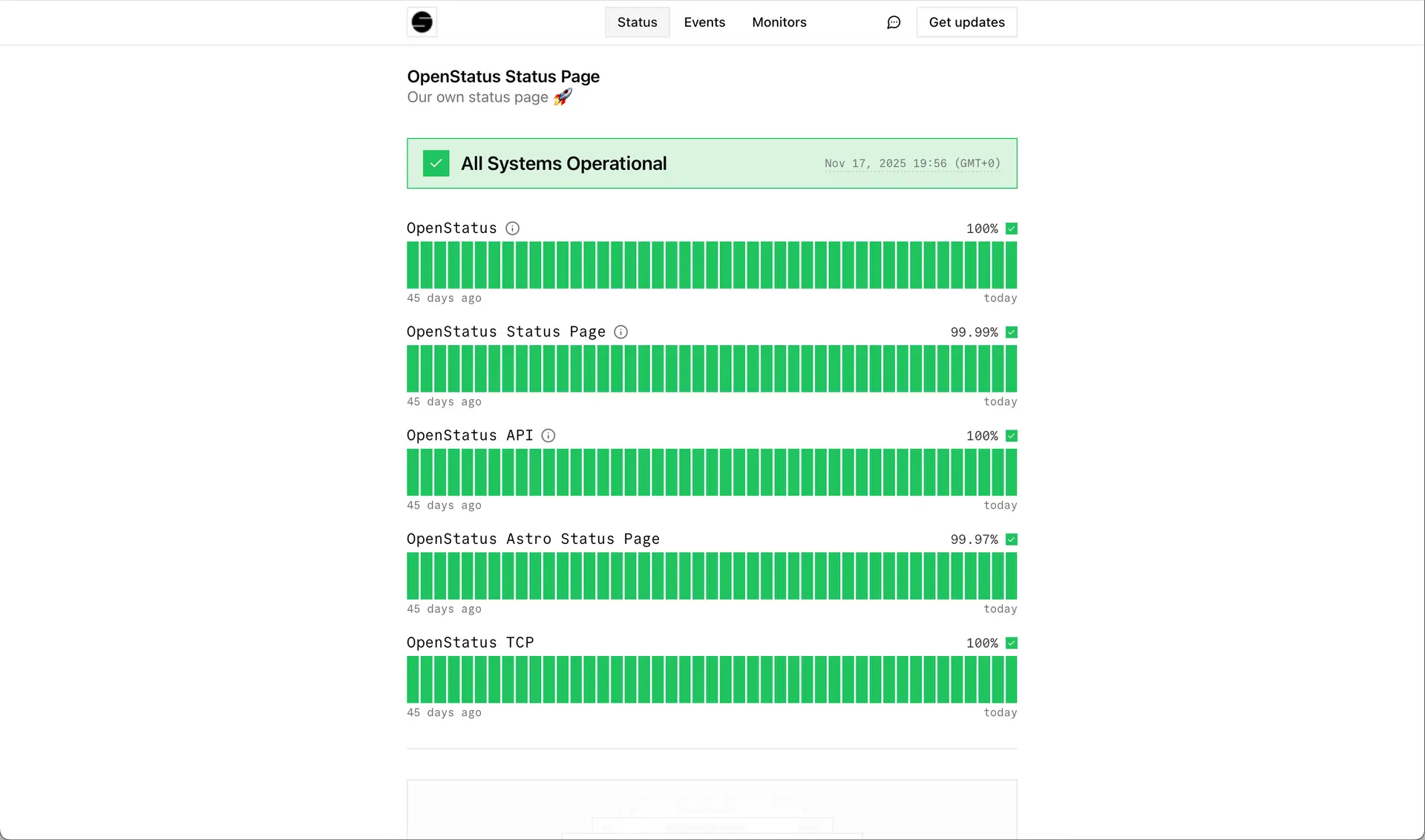
OpenStatus
- Modern OSS product feel
- Monitoring + pages in the same ecosystem
- Good if you want OSS but not 2014-era UX
- Self-hosting still means owning reliability
Feature comparison
| Tool | Type | Monitoring included | Private pages | Best at |
|---|---|---|---|---|
| StatusPage.me | Hosted | Yes | Yes | Balanced monitoring + incident comms |
| Better Stack | Hosted | Yes | Yes | All-in-one suite |
| Instatus | Hosted | Yes (plan-dependent) | Yes (plan-dependent) | Fast, clean status pages |
| Statuspal | Hosted | Yes | Yes | Multilingual comms |
| Upptime | Open source | Yes (GitHub Actions) | No (not typical) | Free + GitHub-native workflows |
| Uptime Kuma | Open source | Yes | Yes (setup-dependent) | Self-hosted monitoring |
| Cachet | Open source | No | Setup-dependent | Self-hosted status page UI |
| OpenStatus | Open source | Yes | Yes | Modern OSS monitoring + pages |
How to choose
- Need fast setup: pick a hosted platform.
- Need full control: choose open-source and self-host, but budget time for maintenance.
- Need fewer false alarms: prioritize multi-region checks and noise control.
- Need customer trust: prioritize clear incident timelines, subscriptions, and transparent updates.
Common mistakes
- Buying a status page tool with no monitoring (then learning about outages from customers).
- Self-hosting without owning patching, backups, and uptime for the status page itself.
- Over-notifying subscribers (alert fatigue makes status pages useless).
FAQ
Want a Statuspage alternative that’s built for modern SaaS?
Start with a clean status page, add monitoring, then scale incident workflows as you grow.